How to Check SEO Score for Website

How to Check SEO Score for Website: A Complete Guide to Audit & Improve Your Rankings
Are you concerned about your website's search engine rankings? Simply writing content isn't enough to land on the first page of Google; you need to improve your website's SEO score. If you are searching for "how to check the SEO score for a website," you have come to the right place.
At usetools.in our Website SEO Score Checker tool tells you—in just a few seconds—exactly where your site stands and how you can improve it.
What is a Website SEO Score?
An SEO Score is a metric that indicates how well-optimized your website is in accordance with search engine algorithms (such as Google). This score ranges from 0 to 100.
- 80-100: Excellent (Your site is ready for top rankings).
- 50-79: Average (Some major changes are required).
- Below 50: Poor (You are losing traffic).
Why Should You Check Your Website SEO Score Regularly?
Why should you continuously audit your site? Here are some key reasons:
- Identify Technical Errors: Are your meta tags missing? Are your image file sizes too large? This tool detects all of these issues instantly.
- Beat Your Competitors: When you check your score, you gain insight into why your competitors are currently ranking ahead of you.
- User Experience (UX): A good SEO score translates to better loading speeds and mobile-friendliness—factors that users appreciate.
- Boost Organic Traffic: Once errors are fixed, Google builds trust in your site, and your rankings begin to climb.
Key Factors that Impact Your SEO Score
When you use our SEO Score Checker, it analyzes the following elements:
- Meta Titles & Descriptions: Have you utilized your keywords effectively?
- Heading Tags (H1, H2, H3): Is your content structured properly? Page Loading Speed: Does your site load in less than 3 seconds?
- Mobile Friendliness: Is your site optimized for mobile users?
- Image Alt Text: Have you given your images appropriate names?
How to Use Usetools.in to Check Your SEO Score?
Checking your SEO score on Usetools.in is extremely easy:
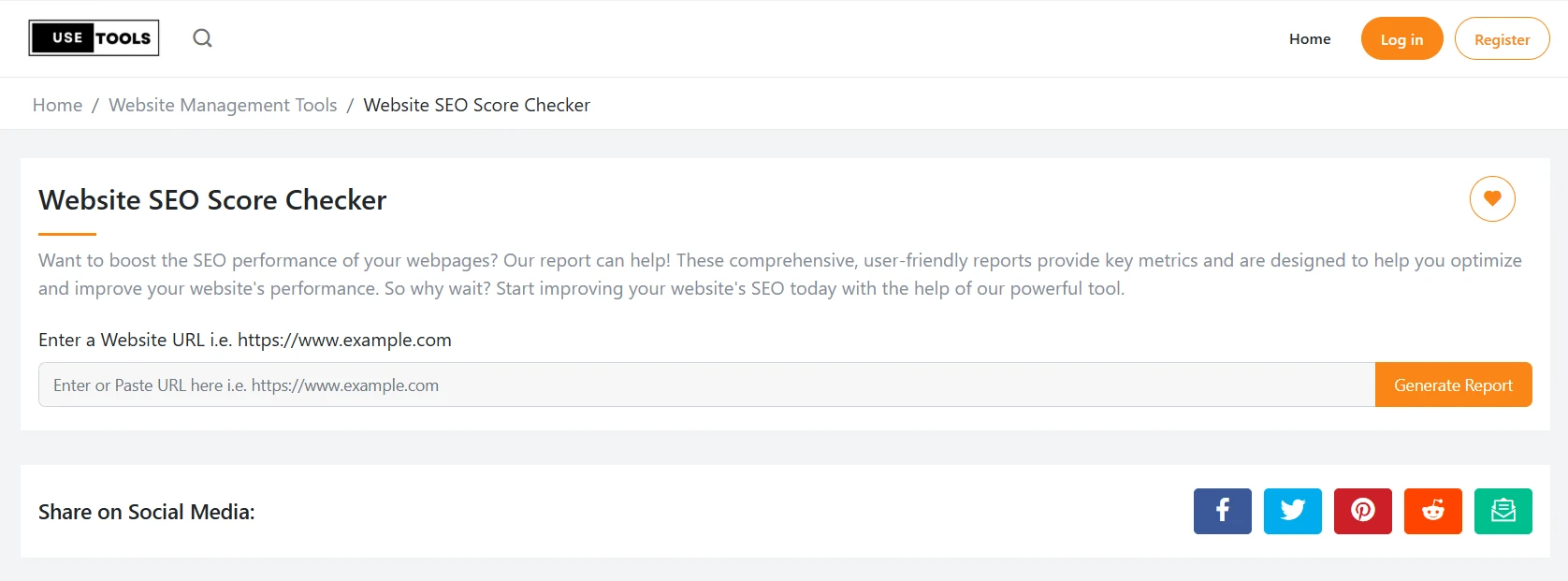
- Step 1: Visit the "Website SEO Score Checker" page on Usetools.in.
- Step 2: Enter the URL of your website—or a specific page—into the input box.
- Step 3: Click on the "Generate Report" button.
- Step 4: View your detailed report and apply the suggested fixes.
Frequently Asked Questions (FAQs)
Q1. Does checking your SEO score improve your ranking?
Ans: Merely checking the score does not improve your ranking; rather, it is by fixing the errors identified during the check that your ranking definitely improves.
Q2. What constitutes a good SEO score?
Ans: Ideally, your SEO score should be above 80. A score of 90+ is considered the best.
Q3. Is the SEO checker on usetools.in free?
Ans: Yes, our tool is completely free, and you can use it an unlimited number of times to check the SEO score of any website.
Q4. What details are included in the SEO report?
Ans: Our report covers important elements such as Meta Titles, Descriptions, H1-H6 Tags, Image Alt Text, Page Speed, and Mobile-friendliness.
Conclusion
SEO is not a one-day task, but rather a continuous process. If you wish to boost your online visibility, check your website's SEO score today and rectify any errors. Once your score reaches 90+, you will personally witness an increase in organic traffic.