To convert image size from KB to MB, upload your picture, enter a larger target such as 1 MB or 2 MB and press convert. The tool enlarges the file until it reaches your size, then lets you download it. It supports JPG, PNG and WebP up to 50 MB and runs fully in your browser, so your image is never uploaded.
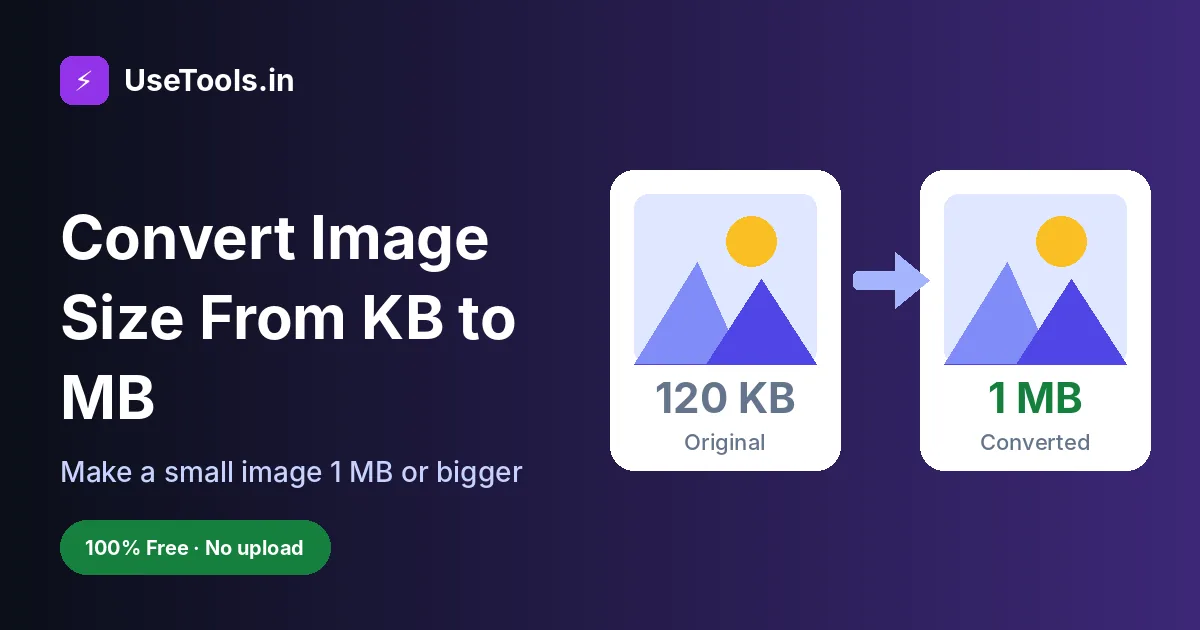
What Does It Mean to Convert Image Size From KB to MB?
People use this phrase in two ways. Some only want to know how many megabytes a number of kilobytes equals. Others have a small image, for example 120 KB, and need a bigger file of 1 MB or 2 MB. This page handles the second case: it changes the real file size of your picture.
For the maths, 1 MB equals 1,024 KB on most computers, so 512 KB is half a megabyte. Some websites round to 1,000 KB per MB, which is why a portal and your phone can show slightly different numbers for the same file.
How to Convert Image Size From KB to MB
- Drop your image into the upload area or tap to choose a JPG, PNG or WebP file.
- Enter the target size, for example 1, and select MB in the unit box. You can also use the slider or a preset from 1 MB to 10 MB.
- Choose the output format. JPG is the safest choice for forms.
- Set the size mode to Close to target or Exact target. Do not use Under target, because that mode never makes a file larger.
- Press Convert Image, check the new size and press Download Converted Image.
Why Would You Need a Bigger Image File?
- Minimum size rules: some upload forms and verification portals reject files below a minimum size.
- Printing: print shops often prefer files with enough data for a clear result.
- Consistency: a set of images may need to share a similar file size.
Always read the exact rule first. If a form only gives a maximum limit, you want to make the file smaller, and our image convert MB to KB tool is the better fit.
How the Tool Increases File Size
The tool saves your picture at high quality and, when that is still below the target, increases the resolution step by step. More pixels mean more data, so the file grows toward your target. The resolution is capped at 8,000 pixels on the longest side, so if the file still falls short, Exact target mode fills the remaining space with empty bytes. Viewers ignore those bytes and the picture opens normally.
Size Modes Explained
| Mode | What it does | Use it when |
|---|---|---|
| Under target (maximum) | Keeps the file at or below your size and never enlarges it | A form says “maximum 100 KB” |
| Close to target | Gets as near to your size as possible, smaller or larger | You want the closest natural result |
| Exact target (with padding) | Adds empty bytes at the end of the file to reach the exact size | A portal needs a specific size |
Does a Bigger File Mean a Sharper Image?
No. Raising the file size does not add detail that was never captured. The picture stays as sharp as the original, only with more pixels or padding. If you need real quality, go back to the original photo from your camera or phone and export it again at a higher resolution.
KB to MB Quick Reference
| Size in KB | Size in MB |
|---|---|
| 100 KB | 0.098 MB |
| 250 KB | 0.244 MB |
| 500 KB | 0.488 MB |
| 750 KB | 0.732 MB |
| 1,024 KB | 1 MB |
| 2,048 KB | 2 MB |
| 5,120 KB | 5 MB |
Troubleshooting
- The result is smaller than expected. Check that the mode is not set to Under target.
- The size is slightly off. Use Exact target mode to reach the exact number.
- A PNG grows unevenly. Switch to JPG for smoother results.
Convert Image Size From KB to MB FAQs
How do I convert image size from KB to MB?
Upload your image, enter a larger target such as 1 and choose MB, select Close to target or Exact target mode, then press Convert Image and download the file.
How many KB are in 1 MB?
One MB equals 1,024 KB on most devices. Some websites round it to 1,000 KB.
Can I increase a 50 KB image to 1 MB?
Yes. Set the target to 1 MB and use Close to target or Exact target mode. The tool raises the resolution and, if needed, pads the file.
Will the image look better after converting to MB?
No. A larger file does not add detail. The picture looks the same, only with more pixels or padding.
Is my image uploaded to a server?
No. The image is processed in your browser and never sent to a server.
Is this tool free?
Yes. It is free, with no registration and no watermark.